
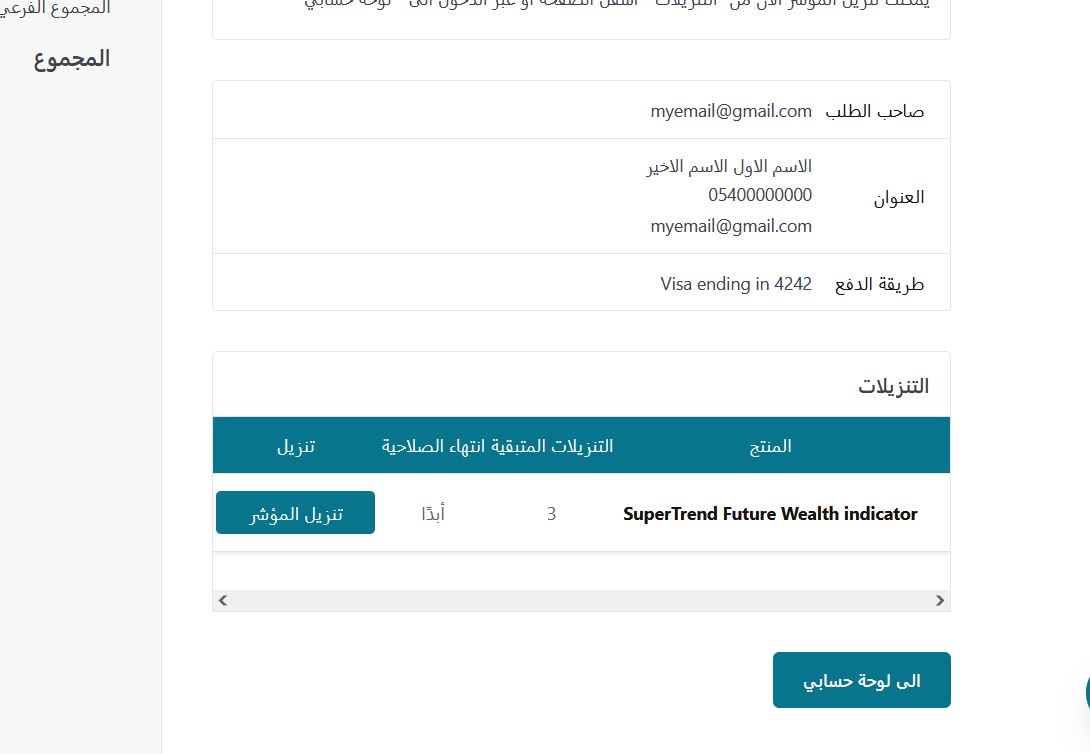
After completing the purchase of the indicator
You can download the indicator from the purchase order page or by going to my account panel and then downloading the indicator, you will also receive an email with the download link, please note that the number of re-downloads allowed is limited.
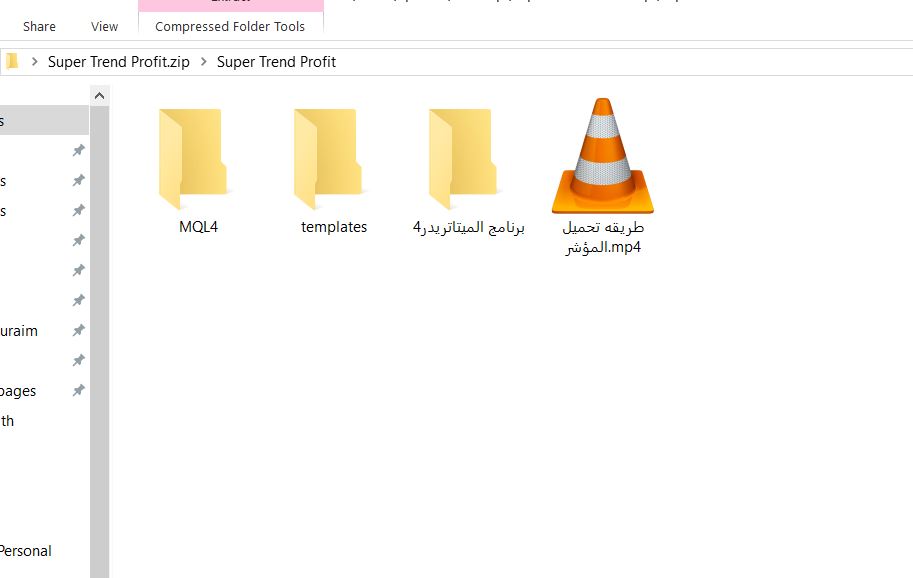
Attached files
The file contains a video demonstration of the installation method, a MetaTrader 4 program file with password, and two other files.
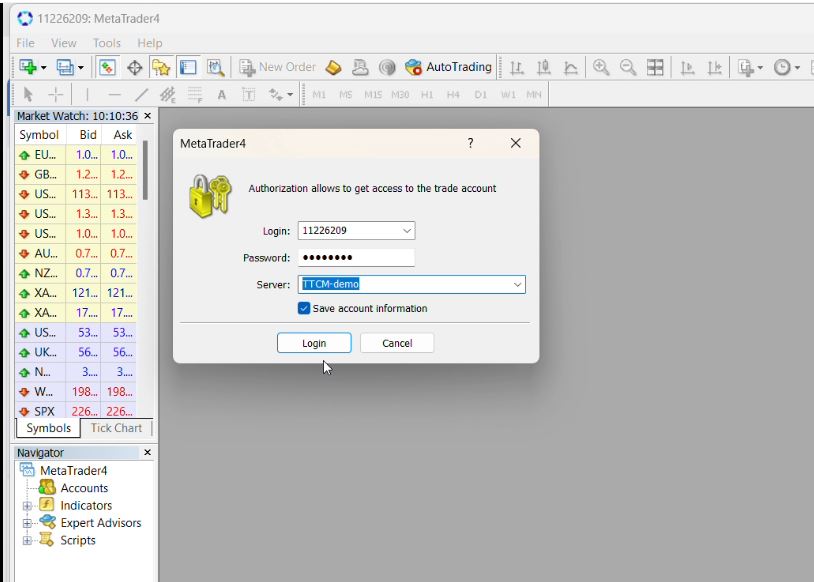
Installing MT4 and logging in with your password
Install the MetaTrader program (if not already installed) and use the username, password and server supplied with the file
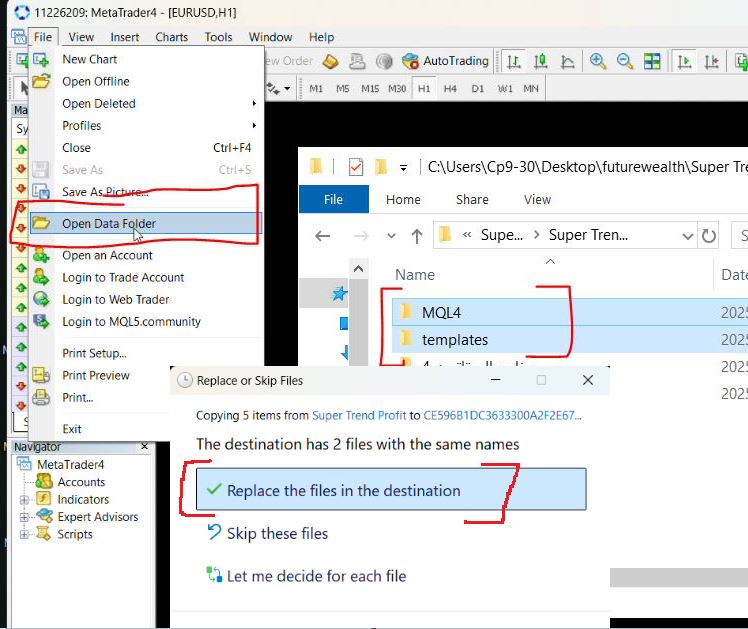
Copy and replace the attached files
Copy and paste the two attached files into the MetaTrader program as shown and when the "Do you want to replace?" window appears, please select "Replace".
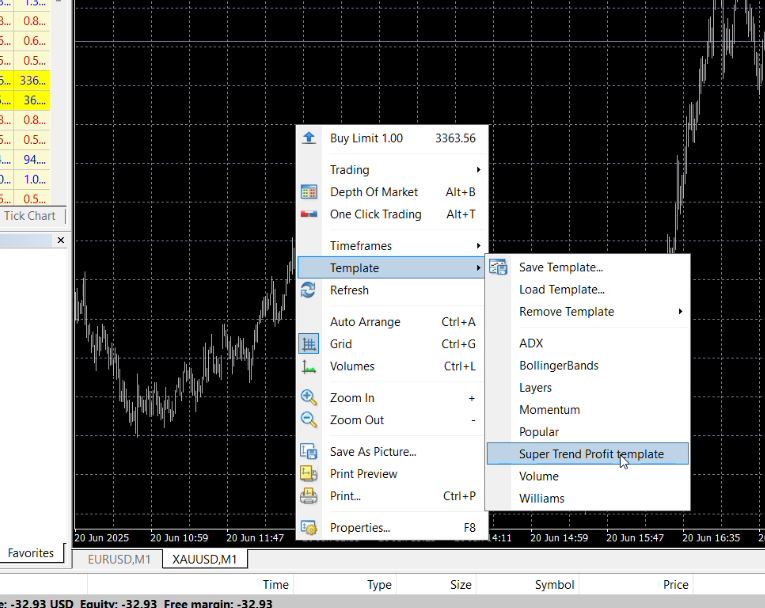
Selecting trading pairs and activating the indicator
After that, you can choose the appropriate trading pairs, right-click on the screen and activate the indicator by selecting it as in the picture
 EN
EN  AR
AR